
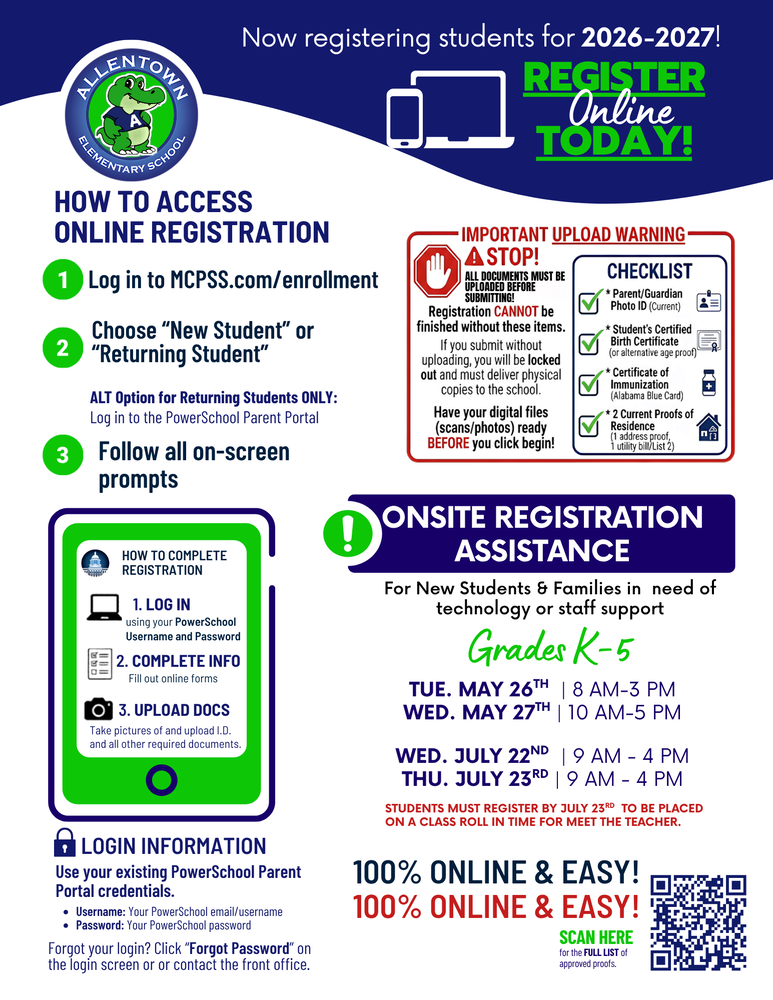
Allentown Elementary School Online Registration & Onsite Assistance Guide (2026-2027)
Allentown Elementary is now registering students for the 2026-2027 school year! Registration is 100% online and easy.
🗓️ Onsite Registration Assistance Schedule
For new students and families in need of technology access or staff support, onsite assistance is available at the school for Grades K-5 on the following dates:
Tuesday, May 26th: 8:00 AM – 3:00 PM
Wednesday, May 27th: 10:00 AM – 5:00 PM
Wednesday, July 22nd: 9:00 AM – 4:00 PM
Thursday, July 23rd: 9:00 AM – 4:00 PM
⚠️ Important Registration Deadline: Students must be fully registered by July 23rd to ensure they are placed on a class roll in time for Meet the Teacher.
How to Access Online Registration
Step 1: Log in to MCPSS.com/enrollment.
Step 2: Choose "New Student" or "Returning Student".
Alternative Option for Returning Students ONLY: You may log in directly to the PowerSchool Parent Portal.
Step 3: Follow all on-screen prompts to complete the information.
🚨 Important Document Upload Warning
STOP! All required documents must be digitally uploaded (scans or photos) BEFORE you click submit. If you submit without uploading your files, your portal registration cannot be finished, your account will be locked out, and you will be required to deliver physical copies to the front office.
Required Document Checklist:
Parent/Guardian Photo ID (Current)
Student's Certified Birth Certificate (or alternative age proof)
Certificate of Immunization (Alabama Blue Card)
2 Current Proofs of Residence (1 address proof, 1 utility bill from List 2)
Login Credentials & Support
Username: Your existing PowerSchool email/username.
Password: Your existing PowerSchool password.
If you have forgotten your portal login credentials, please click the "Forgot Password" link on the login screen or contact the school front office for assistance. For the full list of approved proofs of residence, please scan the QR code located on the school registration flyer.istration flyer.